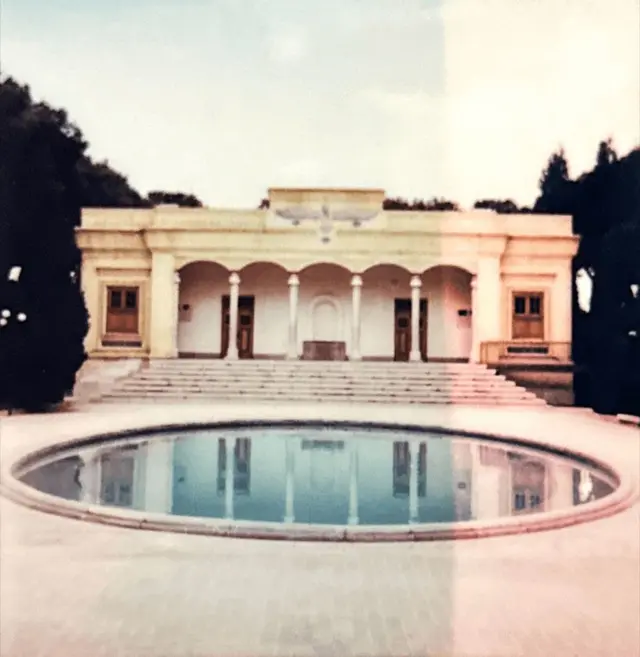
Since I’ve rebuilt this website with the help of AI, and use AI to design and implement animations and little bells and whistles that help me tell my story, I noticed I’ve been more motivated than ever to make content for this website.
That feels a bit ironic, as I grew up making websites (first in PowerPoint, later in HTML) from scratch, and it became my job.
I think we’re going to see a renaissance of beautiful, quirky, personal websites with the help of AI.
A renaissance is a rebirth, which implies it happened before.
So let’s take a step back, and see what that looked like.
My first website
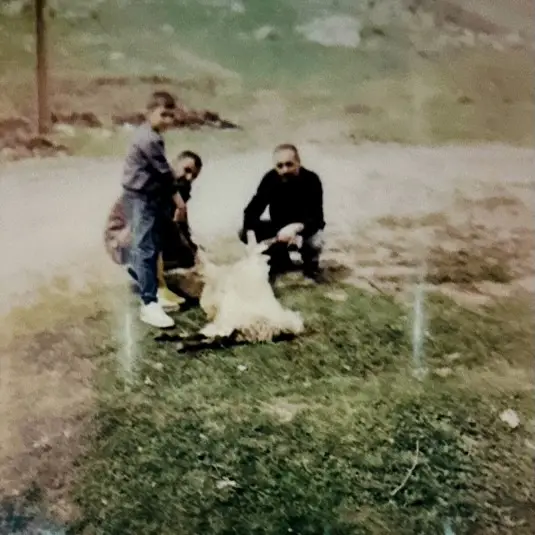
That’s me on the left in the cover photo, next to my two little sisters.
When I was that age, we got a home computer with Windows 95 and Microsoft Office.
I was a huge Harry Potter fan and spent hours posting on all kinds of Harry Potter forums.
Not only was the whole Harry Potter universe pure magic, I was also flabbergasted by the amazing websites people made about it. If you were online back then, you probably remember: when you had a website about Harry Potter, the design WAS Harry Potter.
The titles were set in that famous Harry Potter lightning font.
The buttons were metallic: gold, silver, or bronze, depending on the theme.
Because, oh yes, there were themes! I remember a theme for every house, and even one per character. A woodsy, cozy theme for Ron Weasley; a colder, green-and-silver one for Malfoy.
And the posts looked like parchment, as if an owl had just flown over and handed them to you.
Glorious, glorious days.
I had no idea how they made them. I didn’t know anything about HTML or CSS, let alone JavaScript, but I knew I wanted to make something like that.
Then one day I was messing around in PowerPoint — as one does — and found out you could link from one slide to another.
“That must be it,” I thought. “That’s how you make websites!”
So I started working on my Harry Potter PowerPoint website.
A few weeks later it was done: a 300-slide PowerPoint containing everything I knew about Harry Potter.
I wish I still had it, ’cause it was just majestic. But I remember it vividly: the first slide had an “Enter” button.
Clicking it took you to the second slide, where a GIF played. Right when it finished, you’d be redirected to the third slide, where another GIF played. After that one, you’d land on the homepage on slide four.
There, you could click on a character to learn more about them. Click Ron Weasley, and you’d jump to slide 32, with his bio and a slideshow of pictures.
In the top right of each slide were three theme switchers (the default was Gryffindor).
Say you were on slide 15, reading about Dumbledore, and you clicked the Ravenclaw theme. You’d be taken to slide 114, for example, which had the exact same content, but in Ravenclaw colors.
Updating the website took ages: every change had to be made in at least four places. And adding a slide mid-deck broke all my links.
It’s a tedious job, being a webmaster!
Imagine my surprise when I showed my website to my uncle and he told me that’s not how websites were made.
So I did some Googling (at least, I think I already knew about Google), and found out websites were made with HTML. You’d use frames to structure your pages, clickable images for the buttons, and you’d tell your visitors to download and install the Harry Potter font so they could see it on your website.
CSS looked complicated, so I did everything with style attributes. Back then you also used elements like <b>, <u>, and
the myth, the legend: <marquee>.
I ignored JavaScript and PHP; those were alien languages that looked impossible to learn for ordinary humans.
I didn’t need those programming languages anyway, ’cause there were these cool websites where you could copy JavaScript snippets and paste them into your own website. There were snippets for everything. I remember one that showed a little analog clock next to your visitor’s cursor.
Never mind that there was already a clock in the bottom right of the Windows taskbar.
My first blog and Pluto’s photo
I’ve been playing around with websites ever since, but I never really hosted one I could truly call mine.
That only happened in 2015, when I registered this domain name. I had a black notebook where I sketched the coolest designs for my website. And although my web development skills had definitely improved — I’d learned CSS and JavaScript by then — I couldn’t implement any of my fancy designs.
So I settled for a barebones one-pager with a nice cover photo and three sections: skills, about me, and contact.
It was actually pretty ugly, with brightly colored backgrounds and big, shouty text.
But it was mine, and I loved it.
It felt nice to have a website, but I wasn’t sure what to do with it. What do I have to write about?
Then, in the summer of 2015, I had an idea!
NASA had just released stunning photos of Pluto taken by New Horizons, a huge upgrade from the ones we’d had since the ’90s. I saw a news article showing the two side by side and thought: couldn’t I make a little website that lets you compare the old photo with the new one, like those “before” and “after” sliders?
It was a simple concept, but it still took me an hour or two to build the page. I finished it late in the evening, shared it on Reddit and went to bed.
This is what it looked like:
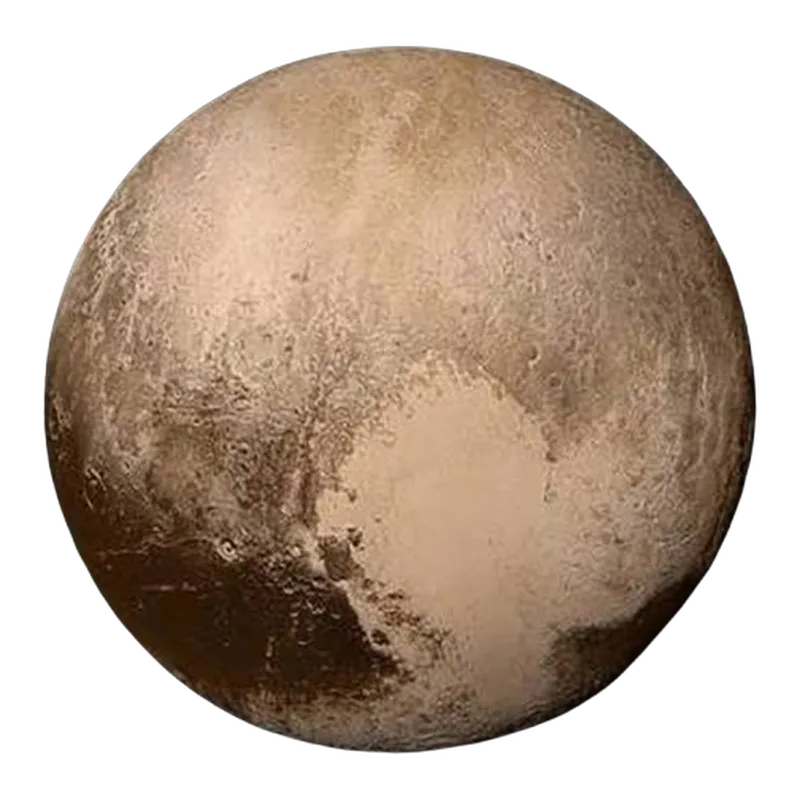
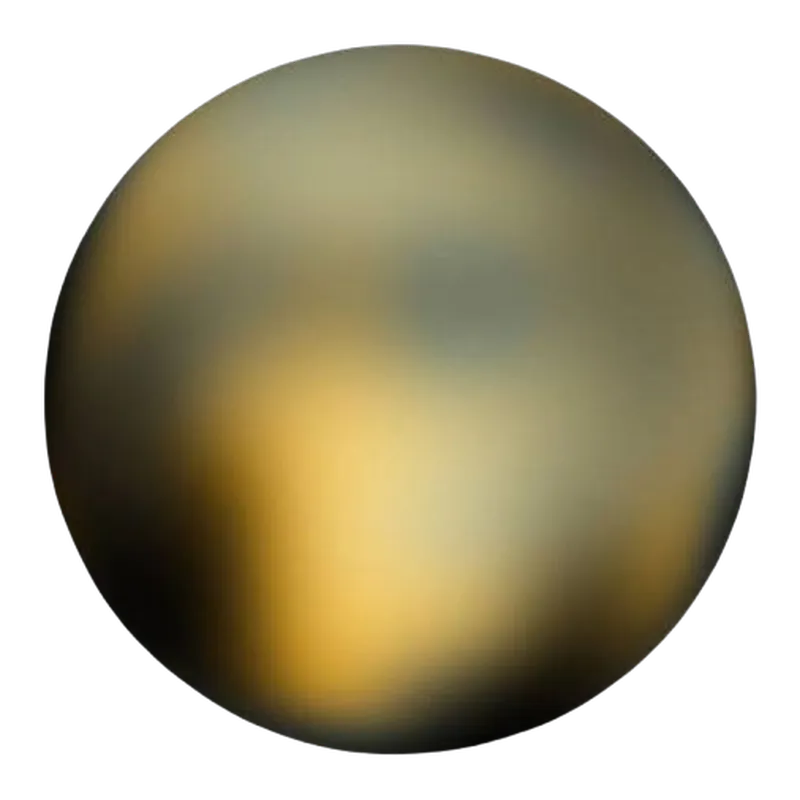 Hubble, 1996New Horizons, 2015
It was a black website with a title, the comparison tool, a bit of info, and some share buttons. That was it.
When I woke up the next morning, there were 30,000 people on my website. AT THE SAME TIME. My post had been crossposted all over Reddit and shared on Twitter and Facebook.
A lot of people liked the simplicity of it…

but apparently, in my hurry, I’d botched the share links.
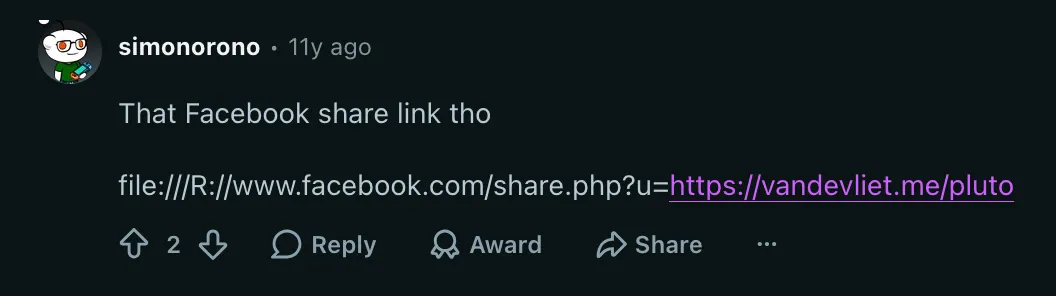
Oops! Imagine how many visitors I would’ve gotten if those had worked!
It was my first real taste of going “viral”, and I loved it.
I loved that I’d made a simple tool that made people’s days just a little better. It wasn’t super fancy, and it wasn’t the most beautiful design you’ve ever seen, but it got the job done.
And still, it took me hours to make. Hours of tweaking the photos in Photoshop until they aligned perfectly, and of switching between my code editor and the browser to make sure everything worked.
I realized those were the kinds of projects and blogs I wanted on my website: little nuggets of information. But I wanted them exactly the way I imagined them, and that was harder than it seemed.
To today, blogging with the help of AI
Over the years, I made many more projects like that. Some went viral too; most didn’t.
But I realized that going viral was never the goal. It was a nice bonus, that’s for sure, and a source of adrenaline and other feel-good hormones. But in the end, I just love creating things in my little corner of the internet. First and foremost for myself: to be creative, and to build things I like and projects that scratch an itch.
Second, for my visitors.
I mean that. I’m not looking for eternal glory and fame — at least not with this website 🙂.
This is my little corner of the internet, where I build what I value and what brings me joy.
It’s the place where I can spend a bit too much time on an existential, philosophical essay about blogging in the age of AI.
It’s the place where I can build an interactive Mad Men inflation calculator (overengineered and totally impractical), just because I started rewatching Mad Men.
It’s the place where I can turn an ordinary explainer on how Belgium is borrowing money at its highest rate in years into a blogpost with animations and interactive charts.
It’s the place where I share my drawings and notes on getting TOGAF 10 certified.
The last episode of Mad Men aired on May 17, 2015, and the number of people interested in how Belgian OLOs work or how to get TOGAF 10 certified is quite limited.
So these aren’t the kind of projects that get thousands of views, and that’s totally okay.
On top of that, those posts aren’t optimized to be found on Google or ChatGPT, and I don’t share them on Reddit, Hacker News, or Facebook.
Because I realized that the views and going viral aren’t what bring me joy.
Bringing my vision to life, without compromise, is.
And to do that, I use AI. For almost everything, except the imagination and the vision.
Without it, most of these projects would have stayed in my black notebook, right next to those fancy designs from 2015.
Is that AI slop?
For me, it isn’t.
But ultimately, that’s for you, the reader, to decide.
But can you use AI to make things more unique? Is that even possible?
I think it definitely is. That’s the renaissance I mentioned at the start: personal websites and blogs, more unique than ever before.
Social media let everyone create content, but only within its rules.
You can share your thoughts, but only in 280 characters, unless you pay.
You can share your holiday pictures, but only in a carousel of 20.
AI lets you go back to owning your little corner, where you can ramble on in blogposts for as long as you like, and post 30, 50, or 100 holiday pictures if you feel like it.
A corner you can make unapologetically you, with all the whimsical animations your heart desires and a custom theme for every Hogwarts house or character. Just like those Harry Potter fan sites, only now you don’t need to be a wizard to build one.
Is this for everyone? Of course not. Who has time these days to read an essay by a guy feeling nostalgic, besides you, possibly the only reader of this blogpost?
But I’m convinced we’ll see more and more personal websites, built and customized with the help of AI.
Welcome to the future, kid.
Cover photo: me and my sisters, from the family album. House icons: lion, snake and raven by Lorc, badger by Caro Asercion, from game-icons.net under CC BY 3.0. Pluto slider: crescent moon and divider flourish by Vecteezy.com. Lettering: Harry P by Graham Meade, freeware.